
Introduction
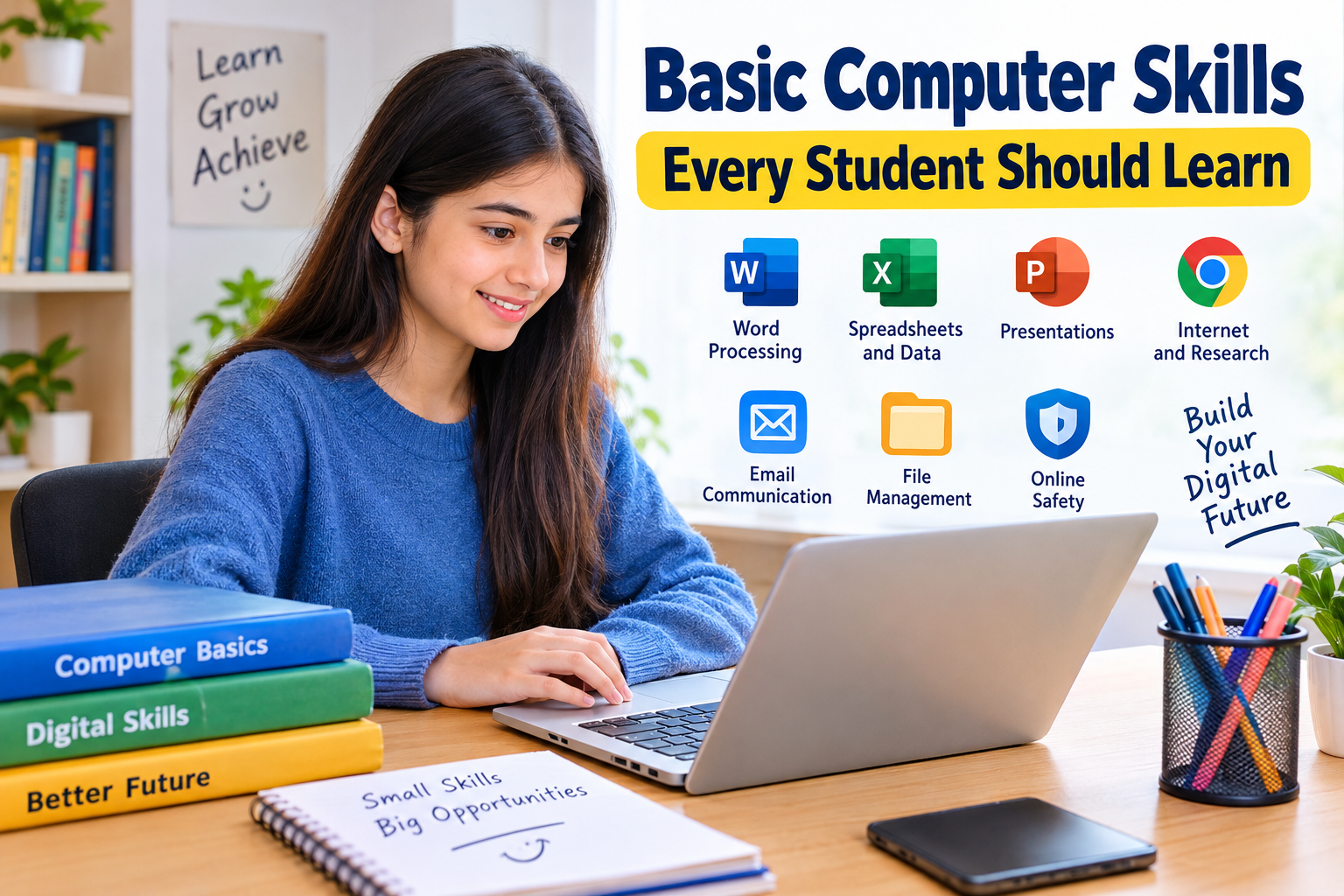
In today’s digital world, computer skills have become an important part of education and everyday life. Students use computers to complete assignments, attend online classes, prepare presentations, conduct research, and communicate with teachers. In my opinion, learning basic computer skills is just as important as improving reading, writing, and communication skills because technology is now connected to almost every field of education and employment.
Many students think that using a computer simply means browsing the internet, watching videos, or playing games. However, there is much more to learn. A student who understands how to create documents, organize files, use email, research information, and protect personal data can study more effectively and work with greater confidence.
The good news is that students do not need to be computer experts to develop these abilities. They can start with simple tasks and improve through regular practice. In this article, I will explain the basic computer skills every student should learn and how these skills can support academic success, personal development, and future career opportunities.
1. Learn Basic Computer Operations
The first step is understanding how to use a computer properly. Students should know how to turn a computer on and off, use a keyboard and mouse, connect to Wi Fi, adjust volume, and manage basic settings.
It is also helpful to understand the difference between hardware and software. Hardware includes physical components such as the monitor, keyboard, mouse, and computer system. Software includes programs and applications used to perform different tasks.
Students should practice opening applications, switching between windows, taking screenshots, copying and pasting text, and using keyboard shortcuts. For example, Ctrl+C copies selected content, Ctrl+V pastes it, and Ctrl+S saves a file on many Windows applications.
These simple computer skills make everyday tasks easier and help students become more independent when using technology.
2. Improve Keyboard Typing Skills
Typing is one of the most useful computer skills for students. Whether they are writing assignments, preparing notes, completing online tests, or sending emails, they need to enter information accurately and efficiently.
I believe students should practice typing regularly instead of relying entirely on looking at the keyboard. Learning to use all fingers can gradually improve typing speed and accuracy.
Students can begin with short paragraphs and simple sentences. As their confidence increases, they can practice typing longer documents without making frequent spelling mistakes.
Free typing practice websites can help beginners improve their skills. However, speed should not be the only goal. Accurate typing, correct punctuation, and proper spacing are equally important.
Good typing skills save time and allow students to focus more on the quality of their work rather than the process of entering text.
3. Learn Word Processing
Word processing is an essential computer skill because students frequently prepare assignments, reports, applications, and study notes.
Programs such as Microsoft Word and Google Docs allow users to create, edit, format, and save documents. Students should learn how to change font styles and sizes, adjust line spacing, create headings, use bullet points, and insert page numbers.
They should also understand how to check spelling and grammar, set margins, and organize information into readable paragraphs.
For example, when preparing a school assignment, a student should create a clear title, divide the content into headings, use consistent formatting, and proofread the document before submitting it.
Students should also learn how to save documents in different formats, especially DOCX and PDF. A PDF file is often useful when sharing a finished assignment because its layout generally remains consistent across devices.
Mastering word processing helps students produce professional looking academic work.
4. Understand Spreadsheets and Basic Calculations
Spreadsheet skills are useful for managing information, organizing data, and performing calculations. Microsoft Excel and Google Sheets are popular tools that students can learn without advanced technical knowledge.
At the beginner level, students should understand rows, columns, cells, and worksheets. They should practice entering information into cells, adjusting column widths, formatting numbers, and creating simple tables.
Learning basic formulas is another important step. For example, the SUM function can calculate the total of several numbers, while AVERAGE can calculate their average.
Students can use spreadsheets to track examination marks, organize a study timetable, calculate monthly expenses, or compare information collected for a school project.
These skills also develop logical thinking and help students understand how information can be organized and analyzed. As students progress, they can explore charts, sorting, filtering, and more advanced formulas.
5. Create Effective Presentations
Presentation skills are valuable in classrooms, colleges, universities, and professional environments. Students often need to explain a topic to their classmates or present the results of a research project.
Tools such as Microsoft PowerPoint and Google Slides make it possible to create visual presentations using text, images, charts, and diagrams.
Students should learn how to select an appropriate theme, organize slides in a logical order, and use readable fonts. Each slide should focus on a main idea rather than containing long paragraphs of text.
For example, a presentation about environmental protection could include an introduction, the main causes of pollution, possible solutions, and a short conclusion.
I recommend keeping presentations simple and meaningful. Too many animations, bright colors, and decorative elements can distract the audience from the actual message.
Practicing presentation software also improves communication, organization, and confidence when speaking in front of others.
6. Develop Internet Research Skills
The internet provides access to educational articles, digital libraries, tutorials, online courses, and many other learning resources. However, students need to know how to find reliable information instead of accepting everything they read online.
Basic internet research skills include choosing suitable search terms, using search engines effectively, comparing different sources, and checking the publication date and author when relevant.
Students should prefer trustworthy educational websites, official organizations, recognized publications, and academic resources for school research.
It is also important to distinguish facts from opinions and advertisements. If two websites provide different information, students should investigate further rather than immediately trusting the first result.
Another essential habit is recording sources while researching. Students should acknowledge the original authors of ideas, quotations, images, and information used in their assignments.
Learning responsible internet research helps students produce stronger projects and develop independent thinking.
7. Learn to Use Email Professionally
Email is an important communication tool in education and employment. Students may need to contact teachers, submit assignments, ask questions, or apply for scholarships and internships.
A professional email should include a clear subject line, a polite greeting, a concise message, and an appropriate closing.
For example, instead of writing a vague subject such as “Help,” a student could write “Question About the Mathematics Assignment.”
Students should check spelling and grammar before sending messages. They should also learn how to attach files, reply to messages, recognize recipients, and use CC and BCC appropriately.
Before sending an attachment, students should confirm that they have selected the correct file. They should avoid sending sensitive personal information unless there is a legitimate reason and an appropriate secure method.
Good email communication creates a positive impression and helps students build professional habits early.
8. Understand File and Folder Management
Organizing files is a simple skill that can make studying much easier. Students often download worksheets, save class notes, create presentations, and collect research documents. Without a clear system, finding the correct file can become frustrating.
Students should learn how to create folders, rename files, copy or move documents, and delete unnecessary items. They should also understand where downloaded files are stored and how to search for a document by name.
A practical method is to create separate folders for each subject. Inside each folder, students can organize files by topic, semester, or assignment.
Using meaningful file names is equally important. A name such as “Biology Chapter 3 Notes” is much more helpful than “Document 1.”
Students should also learn to save their work regularly and maintain backup copies using a trusted cloud service or an external storage device.
Organized files reduce wasted time and lower the risk of losing important academic work.
9. Practice Online Safety and Digital Privacy
Computer knowledge is incomplete without an understanding of online safety. Students should know how to protect their accounts, personal information, and devices while using the internet.
One of the most important habits is creating strong, unique passwords for different accounts. Students should enable two factor authentication whenever it is available and never share verification codes with strangers.
They should also learn to recognize suspicious emails, fake websites, unexpected attachments, and messages that ask for urgent payments or personal information.
Keeping software updated, using trusted applications, and downloading files from reliable sources can reduce security risks.
Students should be careful about sharing their home address, phone number, school details, passwords, and private photographs online. They should also understand that online posts and messages may be saved or shared beyond their intended audience.
If something online seems threatening or suspicious, students should seek help from a trusted adult, teacher, or appropriate support service.
Responsible computer use includes protecting both personal safety and the privacy of others.
10. Learn Video Conferencing and Online Learning Tools
Online learning has made video conferencing an important digital skill. Students may use tools such as Zoom, Google Meet, or Microsoft Teams to attend classes, participate in discussions, and collaborate on group projects.
Students should learn how to join a meeting through a legitimate link, mute and unmute their microphones, enable or disable their cameras, use the chat feature, and share their screens when appropriate.
They should also understand basic online classroom etiquette. Joining on time, listening carefully, avoiding unnecessary interruptions, and using respectful language help create a productive learning environment.
Before an online class, students should check their internet connection, microphone, and device battery. Keeping class notes ready can also help them remain focused.
These skills make remote learning easier and prepare students for virtual meetings in higher education and the workplace.
11. Develop Basic Troubleshooting Skills
Every computer user encounters technical problems from time to time. An application may stop responding, an internet connection may fail, or a document may not open correctly.
Students should learn a few simple troubleshooting methods before assuming that a computer is broken.
For example, they can check whether a cable is connected properly, confirm that Wi Fi is enabled, close an unresponsive application, restart the device when appropriate, or check available storage space.
They should also learn to read error messages carefully and search official support pages for solutions.
However, students should avoid changing unfamiliar system settings, downloading unknown repair tools, or following instructions that could compromise device security.
Knowing how to solve basic problems saves time and builds confidence. It also teaches students to approach technical challenges patiently and logically.
12. Understand Digital Citizenship and Responsible Technology Use
Digital citizenship means using technology in a respectful, ethical, and responsible way. Students should understand that good behavior matters online just as it does in a classroom.
They should respect copyright, give credit to original creators, avoid cyberbullying, and communicate politely in online discussions.
Students should also use artificial intelligence tools responsibly. These tools can help explain difficult concepts, generate practice questions, and organize ideas, but their answers may contain mistakes. Students should verify important information and follow their school’s rules regarding AI assistance.
Submitting someone else’s work as their own is not a responsible use of technology. Students should use digital tools to support learning rather than replace their own understanding.
Responsible digital citizenship helps create a safer and more respectful online environment for everyone.
Conclusion
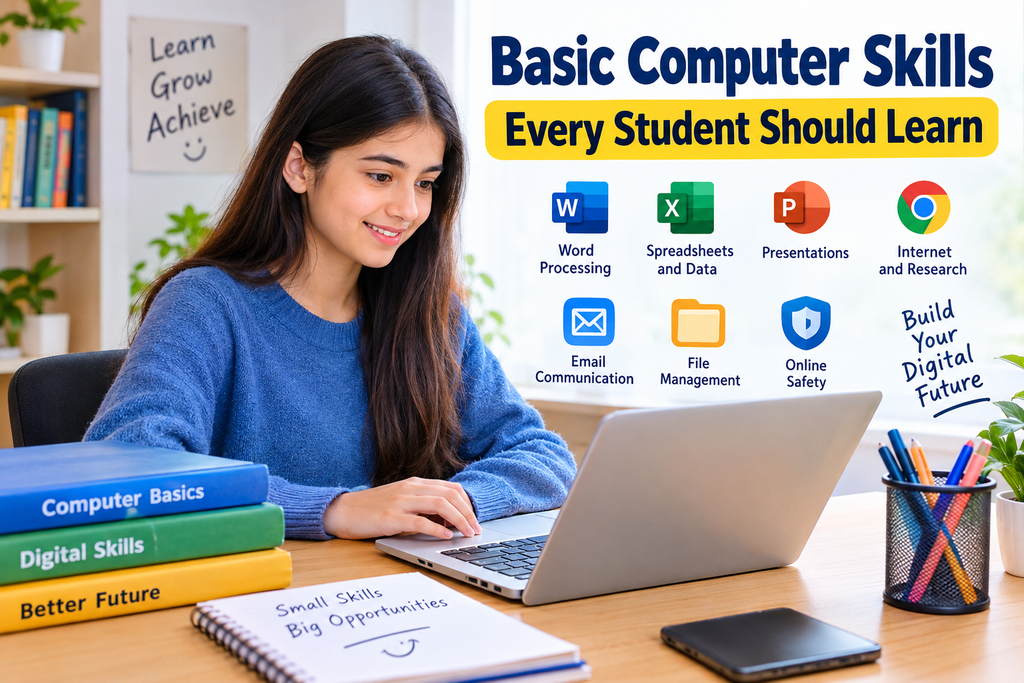
Basic computer skills every student should learn include computer operations, typing, word processing, spreadsheets, presentations, internet research, email communication, file management, online safety, video conferencing, troubleshooting, and digital citizenship.
In my view, students do not need to master every skill in a single day. The best approach is to begin with simple tasks and practice consistently. Creating a document, organizing school files, preparing a presentation, and sending a professional email are practical activities that can build confidence over time.
These computer skills can improve academic performance, make everyday tasks easier, and prepare students for future career opportunities. Technology will continue to change, but the ability to learn, solve problems, communicate effectively, and use digital tools responsibly will remain valuable.
Every student can take the first step today. With patience, regular practice, and a willingness to learn, basic computer knowledge can become a strong foundation for lifelong learning and success.


