Learning computer skills at home has become one of the most useful things a beginner can do today. Computers are used in education, jobs, business, communication, online shopping, banking, freelancing, and many other areas of daily life. The good thing is that you do not need to join an expensive computer course to learn the basics. With a computer, an internet connection, and regular practice, you can learn many useful computer skills from home.
In my opinion, the best way to learn computer skills is to start with simple things and gradually move toward more advanced topics. Trying to learn everything at once can make the process confusing. When I learn something new, I prefer to understand the basics first, practice them several times, and then move to the next skill. This approach can make computer learning easier and more enjoyable for beginners.
Start With Basic Computer Skills
The first step in learning computer skills at home is understanding how a computer works. Beginners should become familiar with the keyboard, mouse, screen, files, folders, and basic computer settings.
Start by learning how to turn the computer on and shut it down correctly. Then practice using the mouse, including clicking, double clicking, right clicking, dragging, and scrolling. You should also learn how to use the keyboard and understand common keys such as Enter, Space, Backspace, Shift, Control, and Alt.
After learning these basic functions, practice opening and closing programs. Learn how to minimize and maximize windows and switch between different applications.
These simple skills may seem basic, but they create a strong foundation for everything you will learn later.
Learn How to Manage Files and Folders
File management is another important computer skill for beginners. Many new computer users know how to open programs but struggle when they need to find or organize their files.
I recommend creating a few folders on your computer for practice. You could create folders named Documents, Pictures, Study, Work, and Personal. Then practice creating new files and moving them between folders.
You should also learn how to rename, copy, move, delete, and restore files. Understanding these functions can save you a lot of time.
It is also useful to learn where downloaded files are stored. Sometimes beginners download a document or picture and then cannot find it. Learning how folders and downloads work can make everyday computer use much easier.
Practice Typing Every Day
Typing is one of the most valuable computer skills you can develop. Good typing skills can help you complete school assignments, emails, documents, online forms, and work tasks more quickly.
You do not need to spend hours practicing. Even fifteen or twenty minutes every day can make a noticeable difference.
Start by learning where the letters are located on the keyboard. Try to use both hands instead of relying on only one or two fingers. At first, your typing speed may be slow. That is completely normal.
Focus on accuracy before speed. Once you become comfortable with the keyboard, your typing speed will naturally improve.
Learn Microsoft Word or Another Word Processor
Word processing is an essential skill for students, employees, writers, and many other computer users. Microsoft Word is a popular option, but other word processing programs can also be useful.
Start by learning how to create a document, type text, change font size, apply bold and italic formatting, and adjust text alignment. Then learn how to create headings, lists, tables, and simple page layouts.
You should also practice saving documents and exporting them as PDF files. These are common tasks in school and professional environments.
I believe beginners should practice by creating real documents instead of only watching tutorials. For example, you can write a simple letter, create a school assignment, or prepare a basic resume. Practical projects help you remember what you have learned.
Learn Internet and Web Browsing Skills
Knowing how to use the internet safely and efficiently is an important part of computer learning. Beginners should understand how web browsers work and how to search for useful information.
Practice using search engines to find information about different topics. Learn how to open new tabs, bookmark useful websites, download files, and check your browsing history.
It is also important to understand that not everything found online is accurate. Before trusting information, compare it with reliable sources.
Learning how to recognize suspicious websites is another useful skill. Avoid clicking on strange advertisements, unknown links, or messages that ask for personal information.
Learn Email Skills
Email is still widely used for education, work, business, and personal communication. If you are a beginner, learning how to use email should be part of your computer skills training.
Start by learning how to create and send an email. Then practice replying to messages, forwarding emails, attaching files, and downloading attachments.
You should also learn how to write a clear subject line and organize important emails into folders.
Email security is equally important. Never share your password with other people, and be careful with unexpected attachments and links.
Learn Basic Online Safety
Computer skills are not only about operating software. You should also understand basic online safety.
Create strong passwords for your accounts and avoid using the same password everywhere. Whenever possible, enable two factor authentication for important accounts.
Be careful when sharing personal information online. Information such as passwords, banking details, identification numbers, and private documents should be protected.
You should also keep your operating system, browser, and important applications updated. Software updates often include security improvements that help protect your computer.
Learn Spreadsheet Basics
Once you are comfortable with basic computer use, learning spreadsheets can be a great next step. Programs such as Microsoft Excel and other spreadsheet applications are useful for students, businesses, offices, and personal budgeting.
Start by learning how rows, columns, and cells work. Then practice entering information and formatting tables.
After that, learn simple formulas such as addition, subtraction, multiplication, and averages. You can create a simple monthly budget as a practice project.
You do not need to become an advanced spreadsheet user immediately. Learning basic spreadsheet skills can already make you more confident and useful in many situations.

Learn Presentation Skills
Creating presentations is another useful computer skill. Students often need presentations for school and university, while professionals use them for meetings and business projects.
Start by learning how to create slides, add text, insert pictures, and organize information clearly. Try to keep each slide simple and easy to understand.
You can practice by creating a short presentation about your favorite hobby, a school subject, or a topic you already know.
This type of project allows you to practice several skills at the same time.
Use Free Online Learning Resources
One of the biggest advantages of learning computer skills at home is the availability of free educational resources. There are many websites, video platforms, tutorials, and online courses that teach computer skills for beginners.
When choosing a course, I recommend starting with beginner level lessons. Do not choose an advanced programming course if you are still learning how to manage files and folders.
Watch a lesson, take notes, and then practice the same task on your own computer. This is much more effective than watching several hours of tutorials without practicing.
Create a Simple Learning Schedule
A learning schedule can help you stay consistent. You do not need to study for several hours every day.
For example, you could spend thirty minutes each day learning and practicing computer skills. On Monday, practice typing. On Tuesday, learn file management. On Wednesday, practice Microsoft Word. On Thursday, learn internet skills. On Friday, practice spreadsheets.
The exact schedule does not matter as much as consistency. Regular practice can help you build confidence over time.
Practice With Real Projects
One of my favorite ways to learn computer skills is through real projects. Instead of learning a feature and forgetting it later, use that feature to create something useful.
You could create a resume, write an article, prepare a presentation, organize your photographs, create a monthly budget, or make a simple spreadsheet.
Real projects give you a reason to use the skills you are learning. They also help you discover problems and find solutions independently.
Do Not Be Afraid of Making Mistakes
Many beginners feel nervous when using a computer because they are afraid of making mistakes. In my experience, mistakes are a normal part of learning.
If something goes wrong, take a moment to understand what happened. Search for the solution or ask someone who has more experience.
With practice, you will become more comfortable solving small computer problems yourself.
The important thing is to stay patient. Computer skills are learned through repetition, not overnight.
Move Toward Advanced Computer Skills
After you become comfortable with basic computer skills, you can choose an area that matches your interests and goals.
If you are interested in websites, you can learn HTML, CSS, and basic web development. If you enjoy creative work, you can explore graphic design, photo editing, or video editing.
If you are interested in business, you can learn advanced spreadsheet skills, digital marketing, data analysis, or project management tools.
There are many directions you can take once your foundation is strong.
Final Thoughts
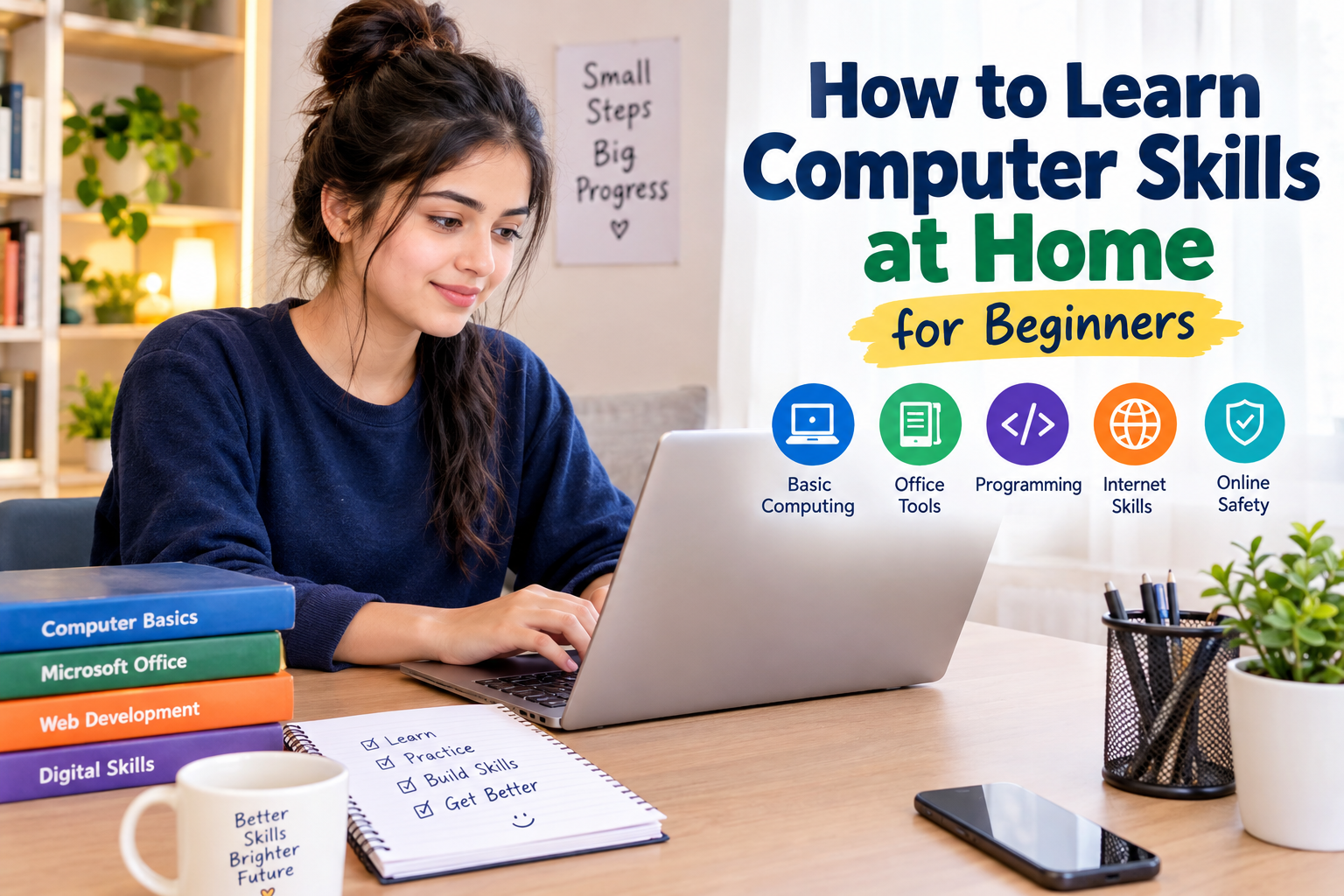
Learning computer skills at home for beginners is completely possible with patience, practice, and the right learning approach. You do not need to understand everything immediately. Start with basic computer operations, typing, file management, internet browsing, email, online safety, word processing, spreadsheets, and presentations.
From my point of view, consistency is more important than trying to learn quickly. Spend a little time practicing every day and use your computer for real tasks whenever possible. Every small skill you learn will make the next skill easier.
The most important thing is to keep practicing and stay curious. Whether your goal is to improve your education, prepare for a job, work online, start freelancing, or simply become more comfortable with technology, learning computer skills at home can be a valuable investment in your future.